Boomstream is a professional video platform for business: host video on your site, run live streams, protect content with DRM and watermarks, sell access and integrate through our API. Infrastructure in Russia, 30-day trial.
    • Video on Demand
    • Live streaming
    • Video Monetization
    • Password Access
    • Secure streaming
    • Meet
    • Education
    • Consumer account
  • Pricing
    • About us
    • Blog
    • Contact
    • User documentation
    • Developer documentation
    • API documentation
    • Official documents
    • Cases
  • Products
    • Video on Demand
    • Live streaming
    • Video Monetization
    • Password Access
    • Secure streaming
    • Meet
  • Solutions
    • Education
    • Consumer account
  • Pricing
  • Company
    • About us
    • Blog
    • Contact
  • Resources
    • User documentation
    • Developer documentation
    • API documentation
    • Official documents
    • Cases

Хотите перейти на русскую версию сайта?

We use cookies and similar tools

They are necessary for the proper functioning of our websites and services. See our Cookie Policy.

  1. Main
  2. / Documentation
  3. / User Documentation

User Documentation by tag live

Products

Tags

Live broadcasting User manual

Live broadcasting User manual

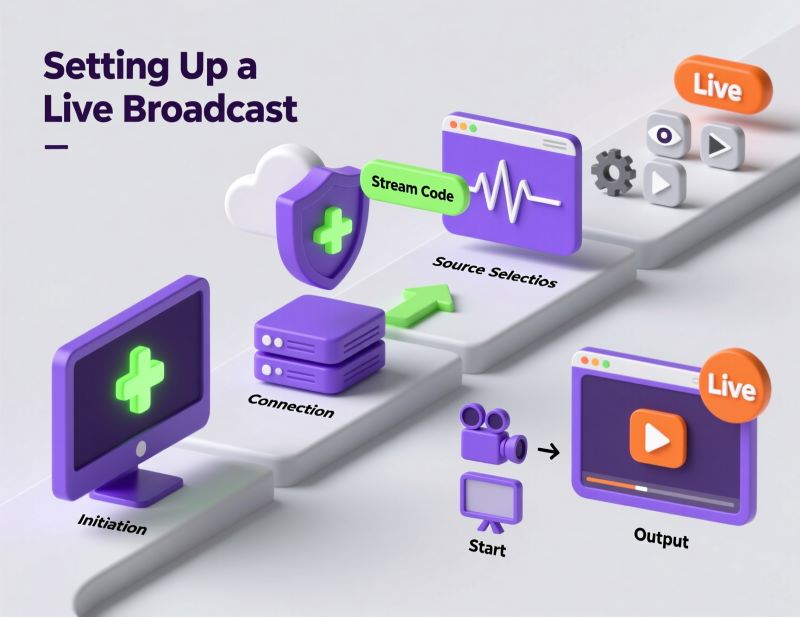
Learn how to go live on Boomstream. Set up your stream key, connect OBS or webcams, schedule events, and broadcast to your audience in real-time.
Live broadcasting from IP camera

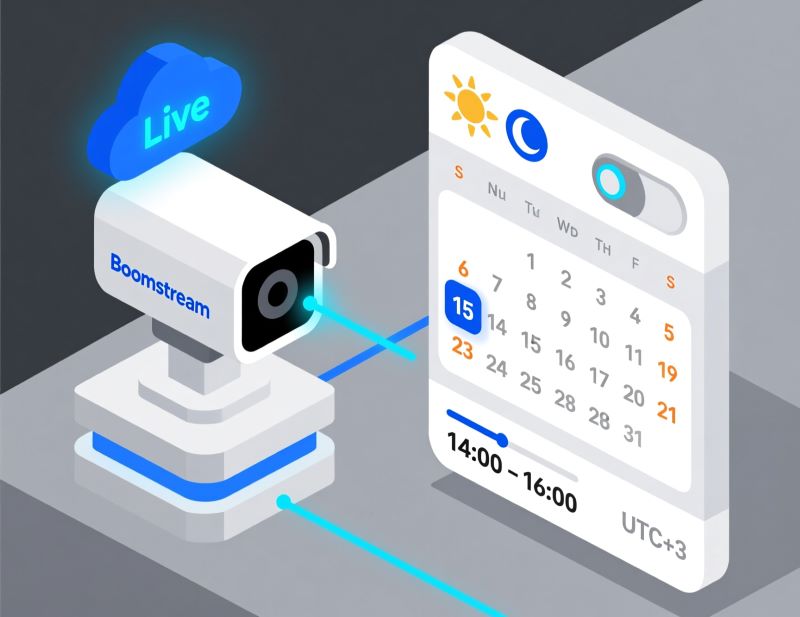
Live broadcasting from IP camera

Learn how to broadcast live video from IP cameras to your website. Convert RTSP streams to HLS and stream CCTV or webcam feeds online securely.

Built-in web application for live broadcasting

Built-in web application for live broadcasting

Step-by-step guide to using the built-in live streaming studio. Learn how to set up your webcam, share your screen, choose broadcast modes, and launch a professional stream in just a few clicks.
Open Broadcaster Software (OBS) Settings

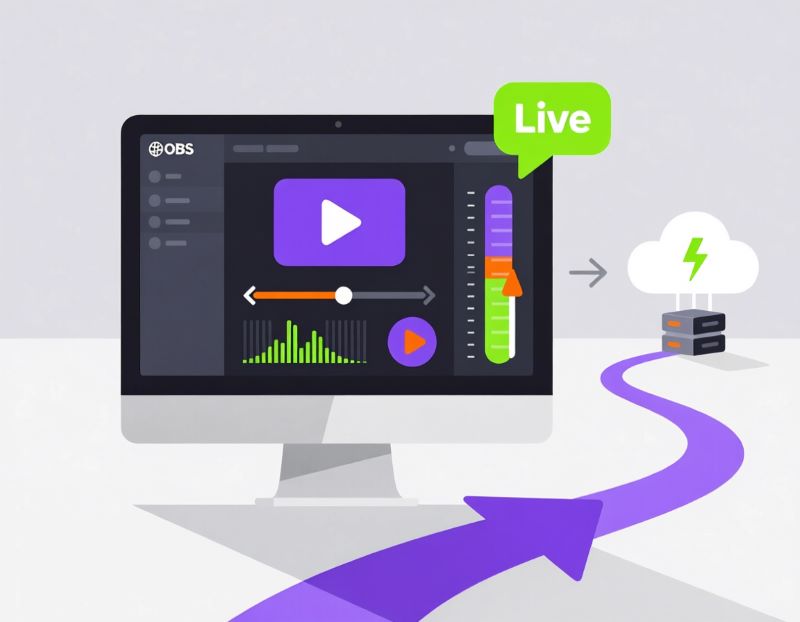
Open Broadcaster Software (OBS) Settings

Step-by-step guide to streaming from OBS to Boomstream. Configure your RTMP server, stream key, video bitrates, and keyframe intervals for stable broadcasts.
Streaming on-demand video as a live

Streaming on-demand video as a live

Run automated webinars and 24/7 streams from pre-recorded videos. Schedule broadcasts, enable loop mode, and monetize your recorded content as live events.

Broadcasting through the built-in application from the iPhone

roubleshoot iPhone streaming issues. Learn how to fix browser broadcasting on iOS 15+ by disabling the NSURLSession WebSocket feature in Safari settings.

Boomstream is a professional video platform for business: host video on your site, run live streams, protect content with DRM and watermarks, sell access and integrate through our API. Infrastructure in Russia, 30-day trial.

Products

  • Video on Demand
  • Live streaming
  • Video Monetization
  • Password Access
  • Secure streaming
  • Meet

Solutions

  • Education
  • Consumer account

Company

  • About us
  • Pricing
  • Blog
  • Contact

Resources

  • User documentation
  • Developer documentation
  • API documentation
  • Official documents
  • Cases
  • AI Information

Contact

+7 (800) 500-28-36
support@boomstream.com

Official documents

  • Terms of service
  • Privacy policy
  • Cookie Policy
  • Personal Data Processing Consent
© 2013–2026, HWD Ltd.
Славный дизайн