Boomstream

Password access to video, streams and digital content

Create a unique password for every viewer or a shared password for a group, limit the access period and the number of devices, and keep an eye on viewing sessions.

Password 000-000-001

How password protection
works

A unique password for every viewer

Every viewer gets an individual password tied to their email address. The password is generated automatically in the Boomstream account once you add the contact to the access list. If a password leaks, you see it in the session statistics right away and block that particular user. The whole process can be automated through the API.

A shared password for a group of viewers

One password is issued to several viewers at once. This suits private event streams, corporate webinars or group classes, where there is no need to track each participant separately. You can change the password or revoke access for the whole group at any moment.

Password validity period

You set the viewing window: a start date, an end date or the access duration in days. Once the period is over the content becomes unavailable automatically. The settings can be combined — for example, open access on 1 June and close it on 15 June, or grant 7 days from the first view.

A limit on the number of devices

You set the maximum number of password activations — that is, how many times the password can be entered. If a viewer tries to open the content on a fourth device with a limit of three activations, the system denies it. Access keeps working on the devices activated earlier, within the period.

Viewing session control

Boomstream records every player start: the date and time, the device, the IP address and the browser of the viewer. All the data is kept in your account. You see who watched the video, how many times and from which devices. That reveals unauthorized access and shows how engaged the audience is.

Passwords sent to viewers automatically

Once the password is created the system sends an email to the address you specified. The email contains the link to the content, the password, the access settings and any extra information you add. It saves time on manual mailing and rules out human error when handing over the details. It can be automated through the API.

Boomstream platform
is most useful if you

Want to prevent
video downloading

Need reliable and scalable videohosting

Grant password access to content

Stream private events

Are a yoga or fitness studio and streaming live classes

Create video content and want to monetize it

What password access
is made for

Online courses and education

Online schools, tutors and coaches use passwords to control access to learning materials. A unique password for every student keeps the content from spreading beyond the course. Session control shows the teacher who actually watches the lessons and who skips them.

Private events

Conferences, trainings, master classes and webinars with access limited to a circle of participants. The password is handed out to registered viewers before the stream starts. The recording of the event is also protected and available only to those who bought access.

Paid video content

Content authors — bloggers, musicians, film-makers, fitness coaches — sell access to video through passwords. The buyer gets a unique code after payment. Download protection and domain binding prevent piracy.

Sports broadcasts

Sports clubs, federations and tournament organizers protect streams with a password for fans who bought an electronic ticket. The password can be the same for every viewer of the match or unique for each buyer. Session control helps to count the real audience.

Corporate video

Companies use password protection for internal training, recordings of meetings, onboarding of new employees and private presentations. Access is granted only to the staff of certain departments or projects.

Market research and private focus groups

Polling and market research agencies use Boomstream to run private streams of product testing, in-depth interviews and question-and-answer sessions with respondents. Password protection keeps confidential research, the trade secrets of their clients and the personal data of participants out of the open.

Reviews

OTUS

We switched to Boomstream to improve the quality of lesson recordings and save on the development and maintenance of our own solution. Overall, the quality of the services provided is satisfactory and meets our needs. We use the video content storage service, its streaming on our platform, and the video player for these streams.

OTUS

Rated 5 out of 5

Tilda.school

Boomstream is both a service for conducting daily online lessons and a video hosting platform for us. Stable operation, affordable price, and responsive support. We recommend it for solving tasks related to video content management.

Tilda.school

Rated 5 out of 5

Hanuman Online

We are developing the 'Hanuman Online' project (https://www.hanuman-online.ru) and have been working with Boomstream for several years. We broadcast yoga classes and seminars to an online audience, and the platform perfectly fits our needs. We appreciate the personalized approach and timely modifications made by Boomstream's team at our request. The technical support is always available and ready to help. We look forward to further development, especially with faster video processing.

Hanuman Online

Rated 5 out of 5

Vadim Lesaev

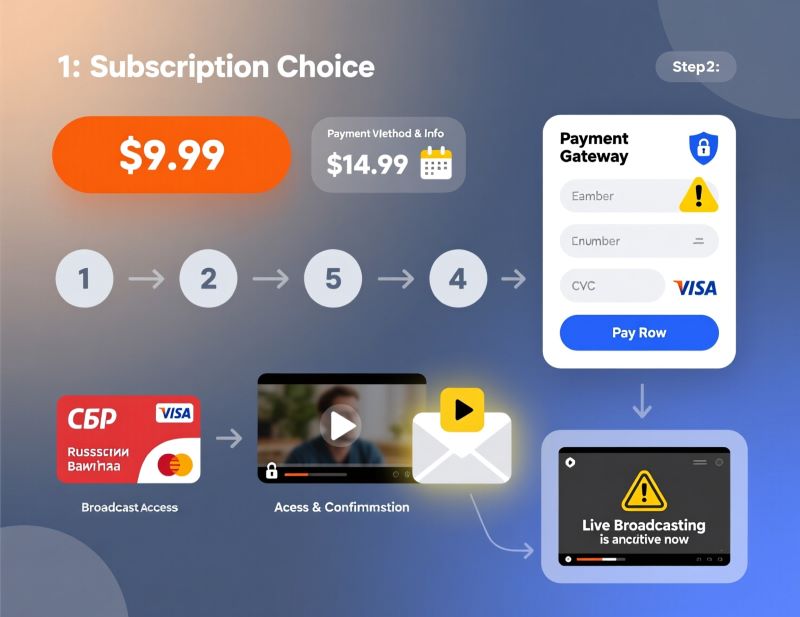
After YouTube demonetization, we started looking for alternative platforms to earn from published materials. Among many platforms we analyzed, Boomstream turned out to be the most suitable. The service offers Full HD quality, a user-friendly interface, affordable file storage, detailed sales analytics, technical support, and a download-blocking feature. Access to live streams can be restricted by an individual or group password, which can be obtained after payment through the built-in payment system. Selling videos with this platform is very convenient. We highly recommend it.

Vadim Lesaev

Rated 5 out of 5

ANNEXX Founder

Our plugin helps creators using Tilda to bring any design or effects to life. Boomstream became a great tool for publishing videos on clients' websites through the video constructor and Zero block. All you need to do is upload the video and get an mp4 link without any technical hassle.

ANNEXX Founder

Rated 5 out of 5

Boomstream in numbers

  • 13years service has been
    in the industry
  • 13,000+customers trust us
  • 2 MMmillion minutes stream daily
  • 99.97%guaranteed availability
  • 152-FZdata stored in Russia
Логотип CFA Association Russia
Логотип FIN-RA
Логотип Хануман Онлайн
Логотип Skillbox
Логотип Rebrain
Логотип OTUS
Логотип pmclub
Логотип SkillBerry.ru
Логотип Expert Monster
Логотип ЛМ
Логотип АВА
Логотип PDP Academy
Логотип ФТАР
Логотип Колледж Вейдера
Логотип Школа Московской биржи
Логотип PRO Материнство

Why password
protection pays off

Full control over access

Unique and shared passwords, validity periods, device limits, binding to an IP address and a domain.

Protection from piracy

DRM encryption, watermarks, download protection, temporary links.

Transparent analytics

Viewing statistics: who watched the video, when, from which device and IP address.

Automation

Passwords sent automatically, integration with payment systems, an API to embed into an LMS.

Branding

A customizable player with your logo and a parked domain — every link lives on your own domain.

Easy for the viewer

No sign-up needed: open the link, enter the password, watch. The system remembers the device.

Monetization out of the box

A built-in payment system, online receipts under 54-FZ, support for your own acquiring.

Storage and streaming

Video hosting and live streams on one platform. Video calls with an online whiteboard and recording.

How to put a password on a video in Boomstream

01

Upload the video

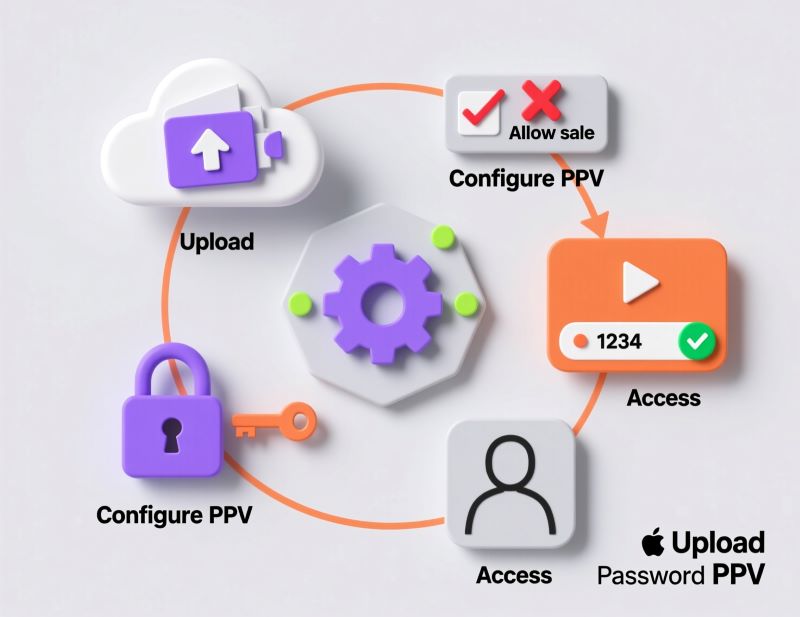
Upload the file to the platform. Wait until processing is finished.

02

Create password
access

In your account create password access and choose the type. Individual — to grant access to particular viewers by email. Group — when one password suits the whole group.

03

Set the access parameters

Set the access period, the start and end dates, the number of device activations and the ban on simultaneous viewing under one password.

04

Get the link

Copy the link to the protected video. Send it to viewers yourself or through the automatic mailing with the password.

How to set a
password for a video

User

Easily protect video or stream with password. The password is automatically created after adding the email of the viewer in your account or by API. Configure access so only authorized viewers watch your content. Here are the settings you manage:
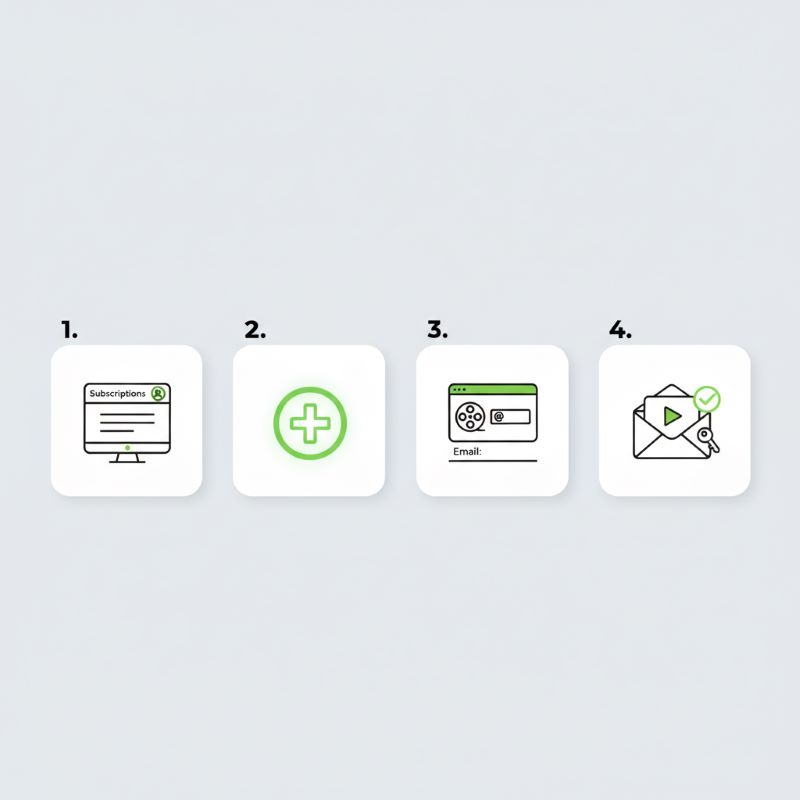
Individual or group password

Number of activations

Period, start and/or end access date

Prevent simultaneous viewing
under the same password

Viewer's session control

Viewer

The viewer does not need to register on the platform. They simply open the video link and enter the password at the first start of the player. Then the platform remembers their data.

On the next attempt to watch the video, the system compares the data with what is already stored in the database. If at least one parameter matches, access is restored automatically and there is no need to enter a password. If the parameters differ, you need to enter a password, thus using activation.

Frequently asked questions about password access

Can I put a password on a single video?

Can a live stream be protected with a password?

Can I create a unique password for every viewer?

Can viewing be limited by the number of devices?

What happens if a viewer passes the password to someone else?

Can I set an expiry date for a password?

Does the viewer need to sign up for Boomstream?

Can the password be sent to the viewer automatically?

Can access to a password-protected video be sold through the platform?

What does the password look like, and can I choose it myself?

Is the video protected from downloading and piracy?

Can a password-protected video be embedded into my own site?

Make the most
of the Boomstream platform

Join for free

Boomstream

You get a bonus balance for one month to test the platform.

Password access to video in Boomstream

Boomstream lets you restrict access to video, live streams and digital content with a password. You can create a unique password for every viewer or a shared password for a group of users, set the access period, limit the number of devices and keep track of viewing sessions. It suits online schools, private events, paid video content, webinars, sports broadcasts and corporate training.