Professional video hosting
for business

Upload, store and protect your video. Publish it on websites,
in apps and on online platforms with the adaptive Boomstream player.
Customize the player's features and design. Integrate through the open API.

Everything you need to work
with video content

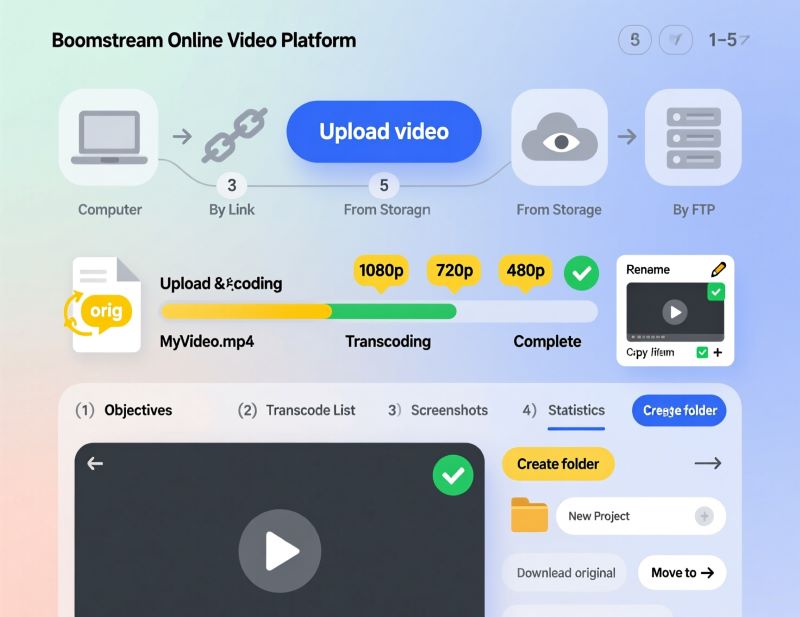
Video upload and storage

No limits on the length or the size of a file

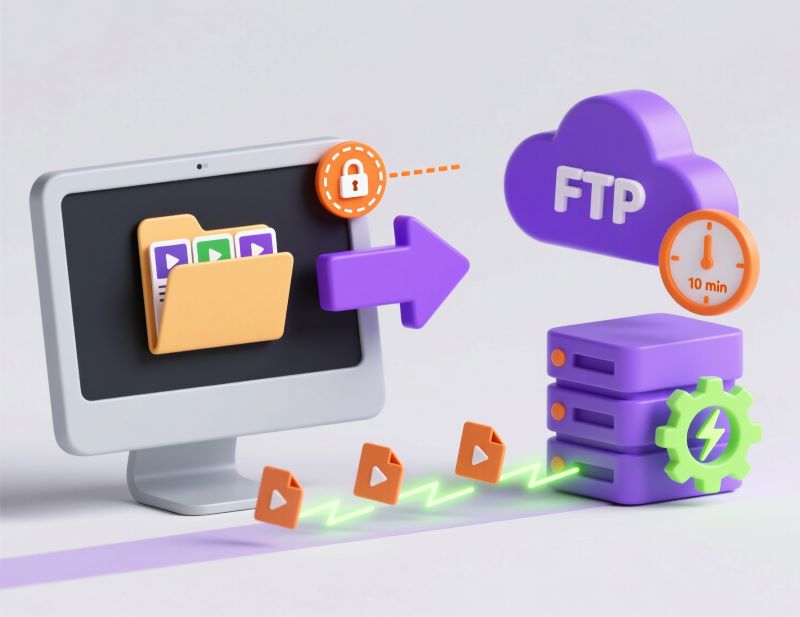
Upload through the browser, FTP or TUS, Dropbox, Google Drive, Yandex.Disk or through the API

Migration from RUTUBE, Vimeo and other hosting services

Free generation of quality variants for different connection speeds

Support for all popular video formats: mov, mp4, mkv, avi and more

Video is stored in a protected cloud in Russia in line with 152-FZ

Video player for a site and an app

Adaptive streaming

A global CDN for comfortable viewing all over the world

Playback on computers, smartphones, tablets and Smart TV

Custom branding

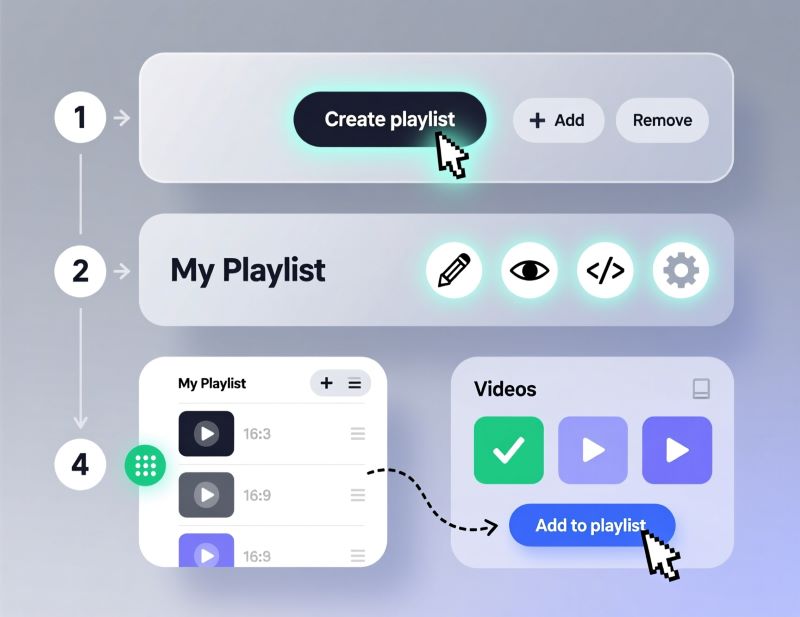
Playlists, covers, timecodes, subtitles, quality levels, speed control, attachments

Links and ways to publish

The Boomstream player: adaptive, static, pop-up

A direct link to the player

A direct link to the mp4 file

A public link to a page with the player

Video management

Projects and folders inside the account

Quick search and sorting of files

Replacing a video without changing the player code

Statistics and analytics

Boomstream in numbers

  • 13years service has been
    in the industry
  • 13,000+customers trust us
  • 2 MMmillion minutes stream daily
  • 99.97%guaranteed availability
  • 152-FZdata stored in Russia
Логотип CFA Association Russia
Логотип FIN-RA
Логотип Хануман Онлайн
Логотип Skillbox
Логотип Rebrain
Логотип OTUS
Логотип pmclub
Логотип SkillBerry.ru
Логотип Expert Monster
Логотип ЛМ
Логотип АВА
Логотип PDP Academy
Логотип ФТАР
Логотип Колледж Вейдера
Логотип Школа Московской биржи
Логотип PRO Материнство

How to upload video to the hosting

01

Sign up for
the platform

You get a bonus balance to test the platform for 30 days.

02

Upload the video
in any way you like

Through the browser, FTP or TUS, Dropbox, Google Drive, Yandex.Disk, Vimeo or through the API.

03

Set up how
it looks

Add a cover, connect subtitles and add timecodes.

04

Get a link or
the code for your site

We offer different ways to publish: a direct mp4 link, a static or adaptive iframe with the player code, a pop-up window and public pages.

What the Boomstream
video hosting is made for

Online learning and education

Lessons can be watched all over the world, the video is protected from downloading and copying, and you get viewing analytics.

  • Uploading lesson recordings in source quality (MOV, MP4, MKV)
  • Restricting access to the content, setting up encryption and watermarks
  • Binding the project to the school's domain so the video only works on your site
  • Embedding the player into lesson pages on GetCourse, Tilda, WordPress or your own site
  • Tracking statistics and analytics

Key features: CDN, download protection, watermarks, analytics, statistics, embed code for an LMS, password access.

Marketing and e-commerce

Use video as a sales and conversion tool without losing control over the content.

  • Product video reviews in online store listings
  • Ads and promo videos on landing pages with a fast start
  • Background video on the site: muted autoplay, adaptive quality
  • Video galleries and media libraries: dozens or hundreds of clips in one section of the site

Key features: fast upload, direct mp4 link, player embed code, autoplay, domain binding, API for mobile apps.

Developers

Integrate video hosting into your product, automate uploads and manage video programmatically.

  • Uploading video through the REST API from your app or CMS, without the manual interface
  • Getting the embed code or an HLS link through the API right after upload
  • Using webhooks to track statuses: upload finished, transcoding ready, video deleted
  • Managing access rights programmatically: temporary signed links for every user
  • Embedding the player into mobile apps through the SDK
  • Migrating video libraries from other platforms: automatic import of files and metadata over the API

Key features: REST API, webhooks, signed URLs, batch upload, developer documentation, SDK.

Author content

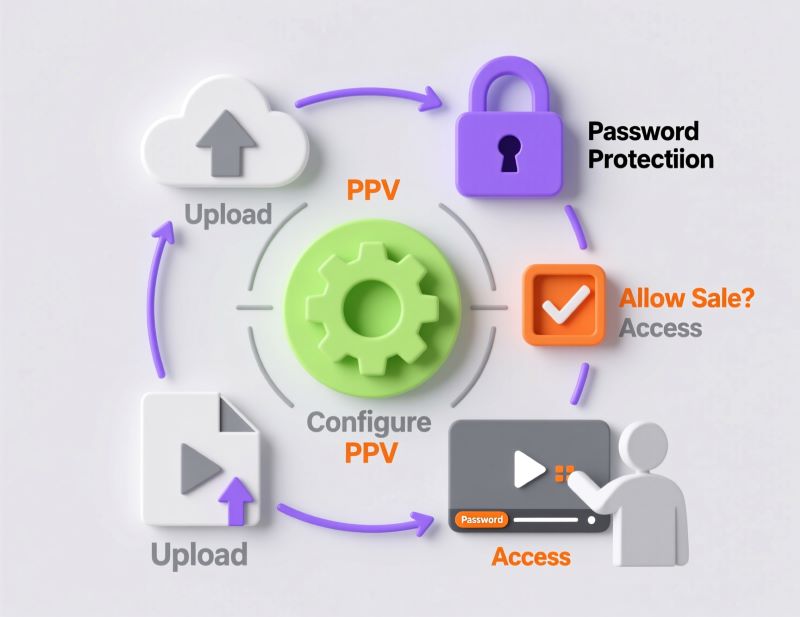
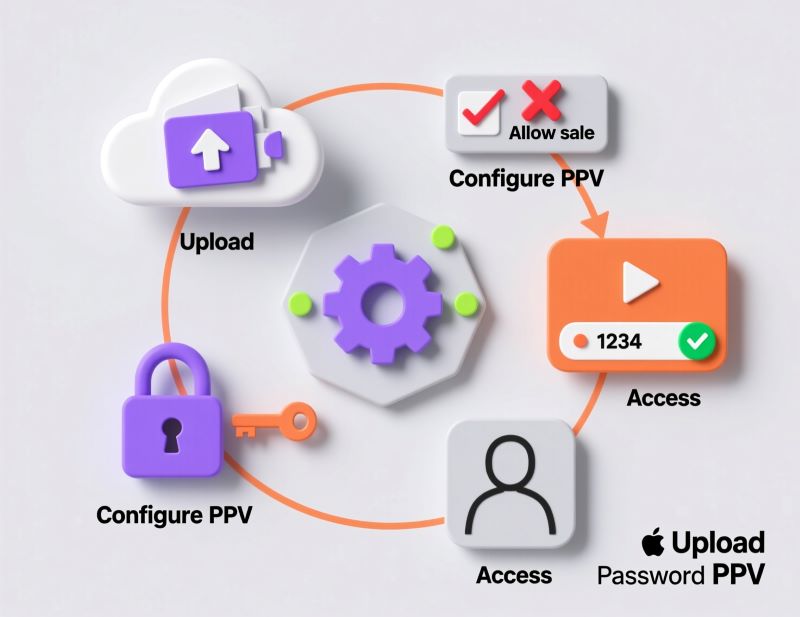
Monetize video content without your own site, payment system or development team — take payments, grant access automatically and protect materials from being shared.

  • A payment system built into the player
  • A password or a link issued automatically after payment
  • Online receipts for buyers under 54-FZ
  • Protection from downloading and sharing: encryption, watermarks carrying buyer data, a ban on simultaneous playback on different devices
  • Limits on the period and on the number of devices per access
  • Withdrawing funds to a bank account

Reviews

OTUS

We switched to Boomstream to improve the quality of lesson recordings and save on the development and maintenance of our own solution. Overall, the quality of the services provided is satisfactory and meets our needs. We use the video content storage service, its streaming on our platform, and the video player for these streams.

OTUS

Rated 5 out of 5

Tilda.school

Boomstream is both a service for conducting daily online lessons and a video hosting platform for us. Stable operation, affordable price, and responsive support. We recommend it for solving tasks related to video content management.

Tilda.school

Rated 5 out of 5

Hanuman Online

We are developing the 'Hanuman Online' project (https://www.hanuman-online.ru) and have been working with Boomstream for several years. We broadcast yoga classes and seminars to an online audience, and the platform perfectly fits our needs. We appreciate the personalized approach and timely modifications made by Boomstream's team at our request. The technical support is always available and ready to help. We look forward to further development, especially with faster video processing.

Hanuman Online

Rated 5 out of 5

Vadim Lesaev

After YouTube demonetization, we started looking for alternative platforms to earn from published materials. Among many platforms we analyzed, Boomstream turned out to be the most suitable. The service offers Full HD quality, a user-friendly interface, affordable file storage, detailed sales analytics, technical support, and a download-blocking feature. Access to live streams can be restricted by an individual or group password, which can be obtained after payment through the built-in payment system. Selling videos with this platform is very convenient. We highly recommend it.

Vadim Lesaev

Rated 5 out of 5

ANNEXX Founder

Our plugin helps creators using Tilda to bring any design or effects to life. Boomstream became a great tool for publishing videos on clients' websites through the video constructor and Zero block. All you need to do is upload the video and get an mp4 link without any technical hassle.

ANNEXX Founder

Rated 5 out of 5

Best opportunities
for your business goals

Convenient video upload

Upload video content in any way: from your device, by FTP or TUS, Google Drive, OneDrive, Vimeo, API.

Branded player

Customize the color and controls to adapt the player to your design. Place your logo and park your domain so that all links carry your system address.

Protection
from piracy

We protect your videos with encryption, watermark display, restriction to a domain or IP address, creating temporary links. Individual privacy settings for each viewer.

Flexible
pricing

Choose how to pay:
* only for the space used on the servers and
viewers playback.
* or a tariff that already includes a certain amount of storage, traffic
views, Branding options, and Protection of video content from downloading.

Live
streaming

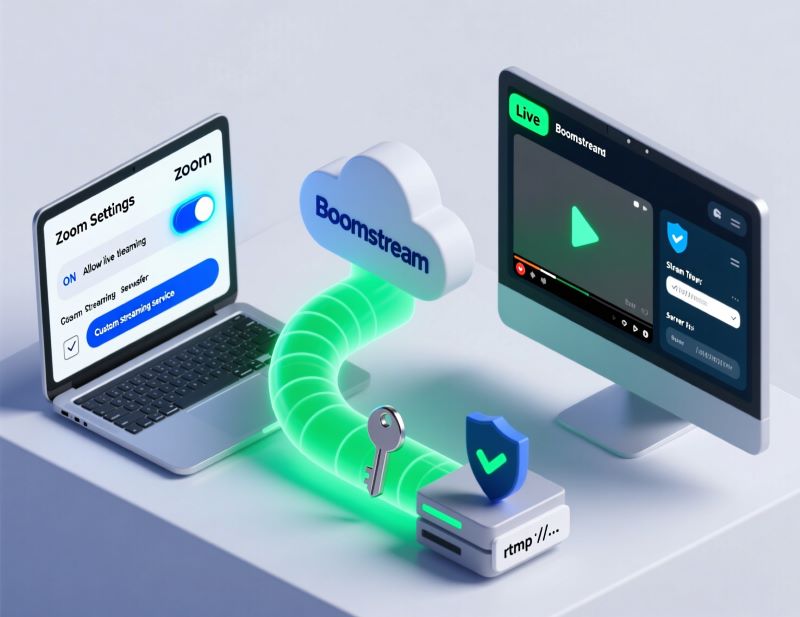
Conduct live broadcasts and webinars. Open, password-protected, or pay-per-view streams.
On your website or via a separate link.
Set up a schedule for auto-webinars and broadcasting from an IP camera.

Built-in paywall

Upload videos and earn money! Set a
price and sell access to the uploaded video or
live streams on your website, blog or social media page. Connect your PayPal account

or use API for integration.

Frequently asked questions about video hosting

What is Boomstream video hosting?

How do I upload a video and get a link?

How do I put a video on my site?

Can access to a video be restricted?

Can a video be protected from downloading?

Which video formats does Boomstream support?

Is there a limit on file size?

Can I move video from another service?

Is Boomstream suitable for online schools?

How much do storage and traffic cost in Boomstream?

Can I sell video through Boomstream?

How is Boomstream different from YouTube and Rutube?

Does Boomstream have mobile apps?

What happens to my videos if I stop paying?

Where are my videos stored?

Make the most
of the Boomstream platform

Join for free

Boomstream

You get a bonus balance for one month to test the platform.

Boomstream video hosting: features and use

Boomstream is a professional online platform for uploading, storing and delivering video content. The service is used as video hosting for websites, mobile apps, educational platforms and corporate portals. Unlike public platforms, Boomstream gives you full control over the content: you decide where and how your video plays, who has access to it and which protection tools to apply.