
Multi-level video protection
We prevent
downloading of
video by plugins and
browser extensions.
We prevent downloading of video by plugins and browser extensions. You can use a watermark that
displays the name, IP address of the device and viewer's email. We record every access to the player, saving viewer sessions and data.


We offer complex solution
Effective protection
Video Download Protection
Screen record protection
Domain name restrictions
Password protection
Controlling viewer sessions
Protection by IP address
Geo-Blocking
Geo-Blocking
Temporary links
Access settings
Restrict playback to specific websites and grant access to authorized viewers.
Only authorized viewers can access video. Restrict playback to specific websites. Set up individual or group passwords.

Adaptive streaming
Your videos will be
available worldwide,
our player is compatible
with modern devices and browsers.
Your videos will be available worldwide, our player is compatible with modern devices and browsers.
We help to reach your viewers even with bad internet connection.


How to protect video from downloading
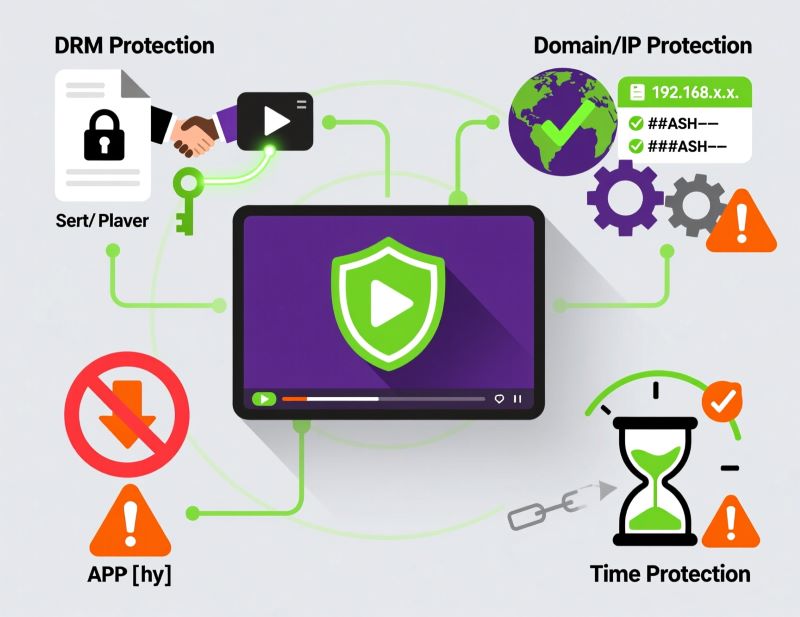
Video is stored on the platform and played through a protected player, and access can be restricted by domain, IP address, password, link lifetime and viewer sessions.
It is impossible to rule out every way of copying: a viewer can always try to record the screen. That is why effective protection is layered — encryption against downloading, watermarks against screen recording, session control, expiring links and password-restricted access.
How it works
01
Video Download Protection
To prevent video courses and lessons from downloading, we encrypt the data before delivering to the viewer. As a result, download tools and plugins either do not see the file or download an encrypted version. Playback is possible only with our player, as you need a unique key created for the viewer. This key is transferred automatically.
We use AES-128 and Sample-AES technologies to protect your videos.
02
Screen record protection
We understand that nothing can safeguard your content from screen recording tools like mobile or video camera. But we know, that displaying the user’s information like email, name and IP over the video deters from further distributing over the internet. Dynamic or static watermark will appear at random spots of player every 1-60 seconds. It is semi-transparent and does not disturb the viewer.
If an online thieve tries to delete watermark, the player will reload.
03
Domain name restrictions
Videos will play only on whitelisted domains. We check every player request. If content pirate copies the player code, he will be unable to play this video due to «Access denied» error. Restrictions also work with streams and webinars.
04
Password protection
We create password for each viewer with the following parameters: start of access, access period, end of access, number of password activations, restriction of simultaneous viewing from multiple devices. Upon the first launch of the player, the service will remember the viewer's parameters and will automatically compare them with the data in the database. If the data differs, then re-entering the password for activation will be required. This way, you limit the possibility of transferring the password to third parties.
05
Controlling viewer sessions
The platform records any player launch for every unique viewer. We fix time, device, browser and IP address and display it in your personal account. You can set up notifications, then we will indicate about the viewers who used password activations. There is also an option that blocks simultaneous viewing of the media with one password from different devices. Also, you can restrict access to media from certain devices or browsers.
06
Protection by IP address
To enable it, you should generate a md5 hash and provide it to us. The result will be a unique video link for a viewer. It will play only from the specified IP address.
07
Geo-Blocking
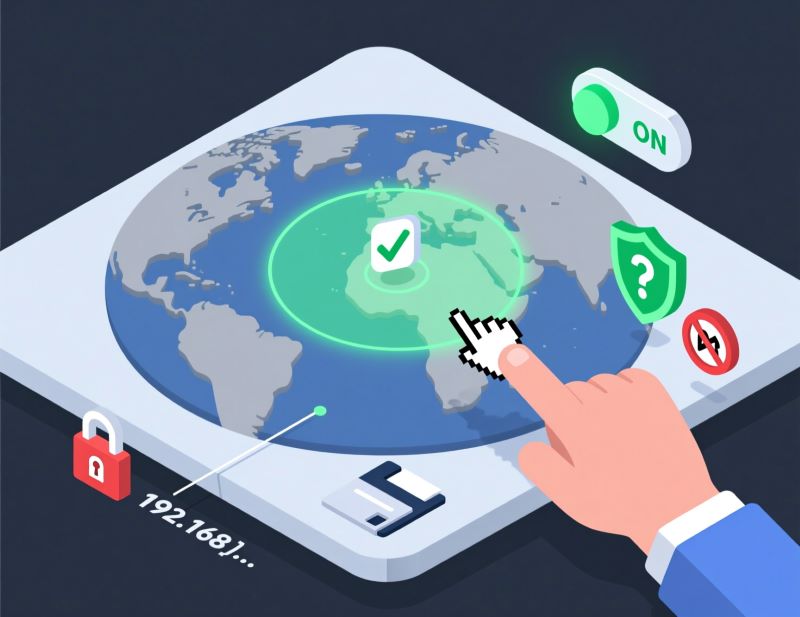
We use CDN for your content to be available in any destination. And you can manage your media to play or not in specific countries.
08
Temporary links
To enable it, you should generate a md5 hash and provide it to us. The links created this way will be active for the period specified in the settings. Upon expire, the viewer will no longer be able to watch the content.
Reviews

We switched to Boomstream to improve the quality of lesson recordings and save on the development and maintenance of our own solution. Overall, the quality of the services provided is satisfactory and meets our needs. We use the video content storage service, its streaming on our platform, and the video player for these streams.
OTUS
Rated 5 out of 5

Boomstream is both a service for conducting daily online lessons and a video hosting platform for us. Stable operation, affordable price, and responsive support. We recommend it for solving tasks related to video content management.
Tilda.school
Rated 5 out of 5

We are developing the 'Hanuman Online' project (https://www.hanuman-online.ru) and have been working with Boomstream for several years. We broadcast yoga classes and seminars to an online audience, and the platform perfectly fits our needs. We appreciate the personalized approach and timely modifications made by Boomstream's team at our request. The technical support is always available and ready to help. We look forward to further development, especially with faster video processing.
Hanuman Online
Rated 5 out of 5

After YouTube demonetization, we started looking for alternative platforms to earn from published materials. Among many platforms we analyzed, Boomstream turned out to be the most suitable. The service offers Full HD quality, a user-friendly interface, affordable file storage, detailed sales analytics, technical support, and a download-blocking feature. Access to live streams can be restricted by an individual or group password, which can be obtained after payment through the built-in payment system. Selling videos with this platform is very convenient. We highly recommend it.
Vadim Lesaev
Rated 5 out of 5

Our plugin helps creators using Tilda to bring any design or effects to life. Boomstream became a great tool for publishing videos on clients' websites through the video constructor and Zero block. All you need to do is upload the video and get an mp4 link without any technical hassle.
ANNEXX Founder
Rated 5 out of 5
Boomstream in numbers
- 13years service has been
in the industry - 13,000+customers trust us
- 2 MMmillion minutes stream daily
- 99.97%guaranteed availability
- 152-FZdata stored in Russia


You need to protectyour content if you are
An online school
If you sell recorded training or run courses with restricted access, video lessons become one of the main assets of the business. Without protection, students can pass links around, download materials or share recordings publicly.
Video protection helps you limit access to paying users only, prevent lessons from spreading at scale and reduce the risk of a course leaking to third-party sites, Telegram channels and file-sharing services.
A course author
or expert
If you create training videos, lectures, masterclasses or private materials yourself, it matters to protect not only the file but your intellectual property.
Protected video hosting lets you publish video for viewing only, limit access by time, add watermarks carrying viewer data and see who was given access to the materials.
Corporate training
When a company trains employees, partners or dealers, the video materials often contain internal policies, instructions, commercial information or proprietary methods.
Video protection helps keep training clips available only inside the company perimeter or to a specific group of users. Viewing can be limited by IP address, domain, password, link lifetime or number of sessions.
An LMS platform
If you run an LMS or an educational platform, users expect convenient video playback while course owners expect solid protection against downloading and redistribution.
Integrating a protected video player lets you manage access and use encryption, watermarks, expiring links and control of simultaneous views. That makes the platform more valuable to schools and course authors.
A site owner on Tilda, WordPress, Joomla or another CMS
If you publish valuable video on your site, do not use an MP4 file. A user can obtain a direct link to the file, download it or pass it on.
A protected video player lets you embed video into a page without serving the source file directly. On top of that you can allow playback on your domain only and enable watermarks, temporary access and download protection.
A developer of client portals and private platforms
For your convenience we built an extensive section with documentation, a sandbox and integration examples.
Through the API and the protected player you can embed video into the product interface, grant access to specific users, create expiring links, limit the number of sessions and enable personalized watermarks. That protects the content without complicating the user experience.
Frequently asked questions about video protection
How does Boomstream protect video from downloading?
What is a dynamic watermark and how does it protect against screen recording?
Can playback be restricted to specific websites?
How does password protection work and can account sharing be prevented?
Does the platform support geo-blocking and IP address protection?
How do I protect video with expiring links?
What is better: a password, a watermark or DRM?
How much does protection against downloading and copying cost?
Is Boomstream protection suitable for integration with GetCourse and other LMS platforms?
Boomstream platformis most effective if you
Sell video online or set password access to content and don't have your own site
You run a large online school and need an end-to-end solution with online video distribution, protection, and an individual tariff
Want to protect your videos against unauthorized access
You are a developer and you need a robust solution for hosting video content
Make the mostof the Boomstream platform


Knowledge base



Who needs video protection
You need video protection if you sell online courses, host lessons in an LMS, train employees, publish private webinars, embed video into Tilda or WordPress, run a media project or build a client portal. Protected video hosting helps you restrict viewing, prevent downloading, reduce the risk of copying and keep control over how the content spreads.