
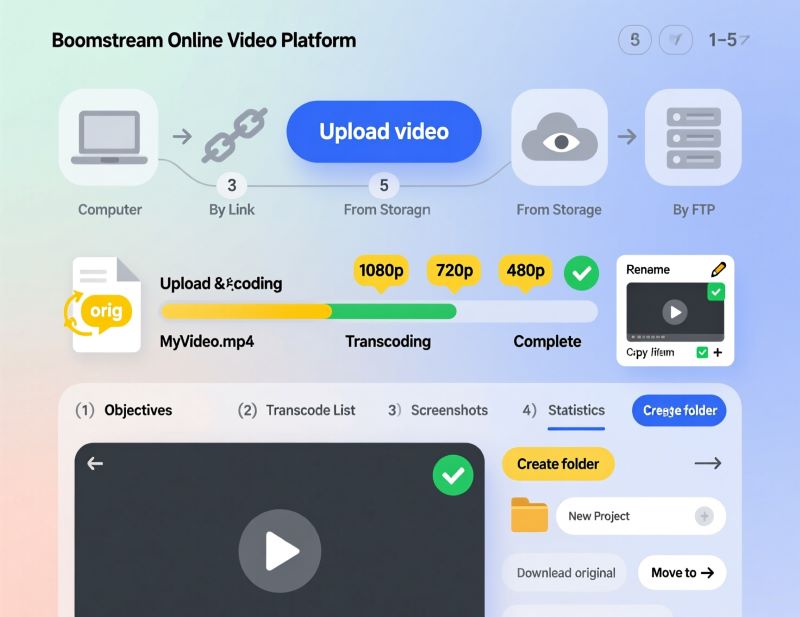
Uploading video
Learn how to upload videos to Boomstream from your computer, cloud storage, or via FTP. Track transcoding, manage media, and configure player settings.
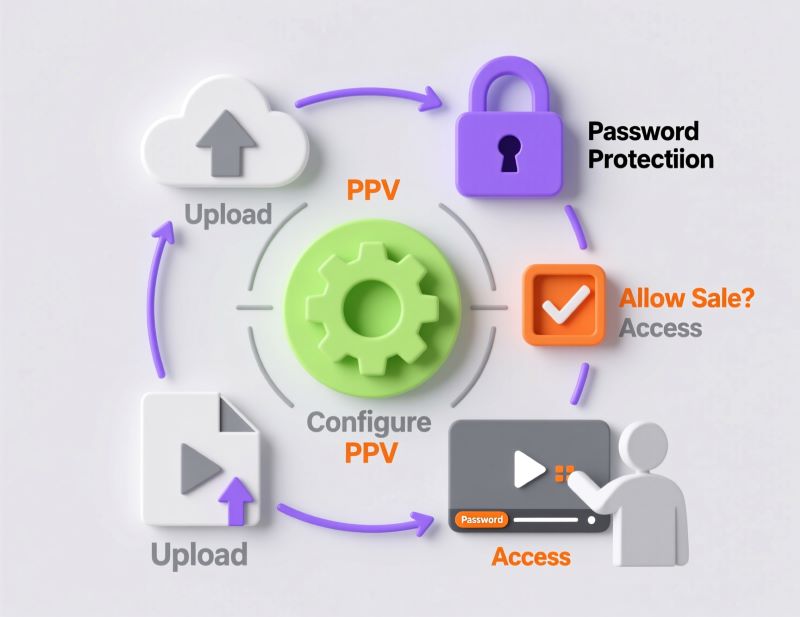
Selling live streams and video
Learn how to sell videos and live streams with Boomstream's built-in payment widget. Set up Pay-Per-View (PPV), configure pricing, and monetize content.
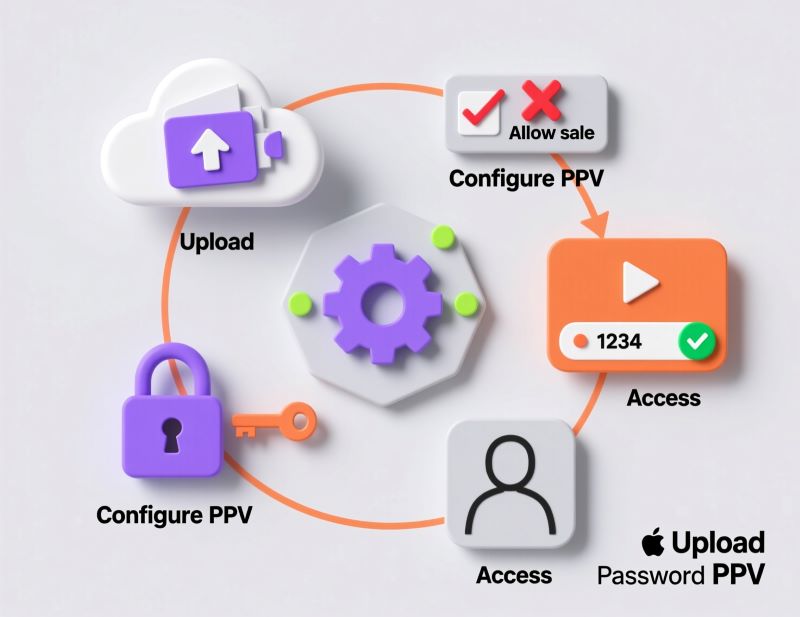
Access to video/stream by password
Learn how to set up password protection for your videos and live streams. Configure access periods, device activation limits, and manage authorized viewers.
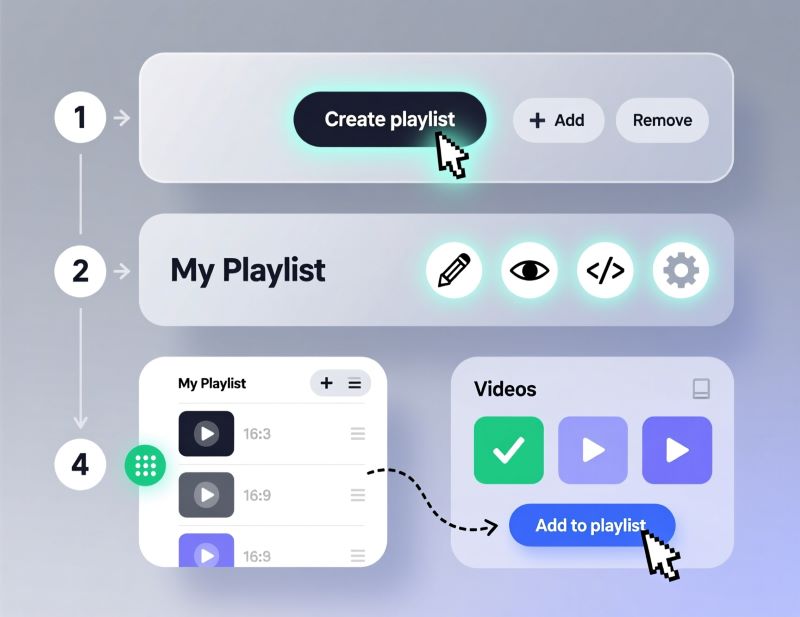
Create Playlist
Learn how to create video playlists in Boomstream. Group media for sequential playback, reorder lessons, set custom covers, and manage playlist access.
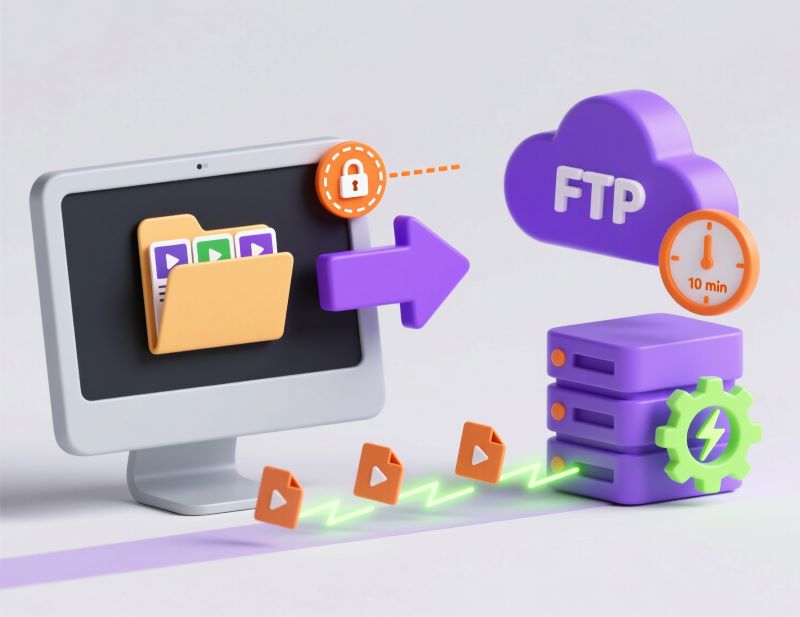
FTP Uploading
Learn how to upload massive video files via FTP to Boomstream. Retrieve your FTP credentials, connect via FileZilla, and bypass browser upload limits.
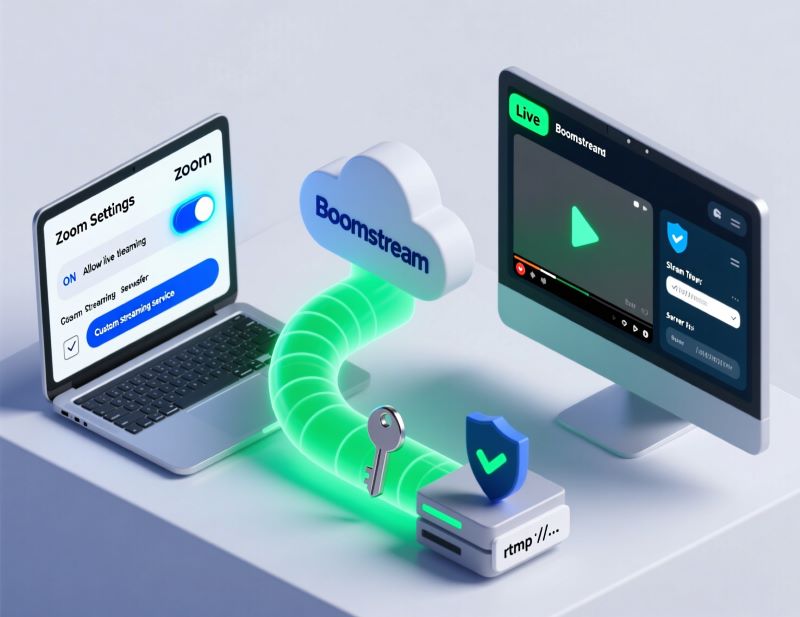
Zoom integration with Boomstream
Automatically sync Zoom cloud recordings to Boomstream. Install the Zoom app, connect via API key, and instantly apply DRM and custom players to your replays.