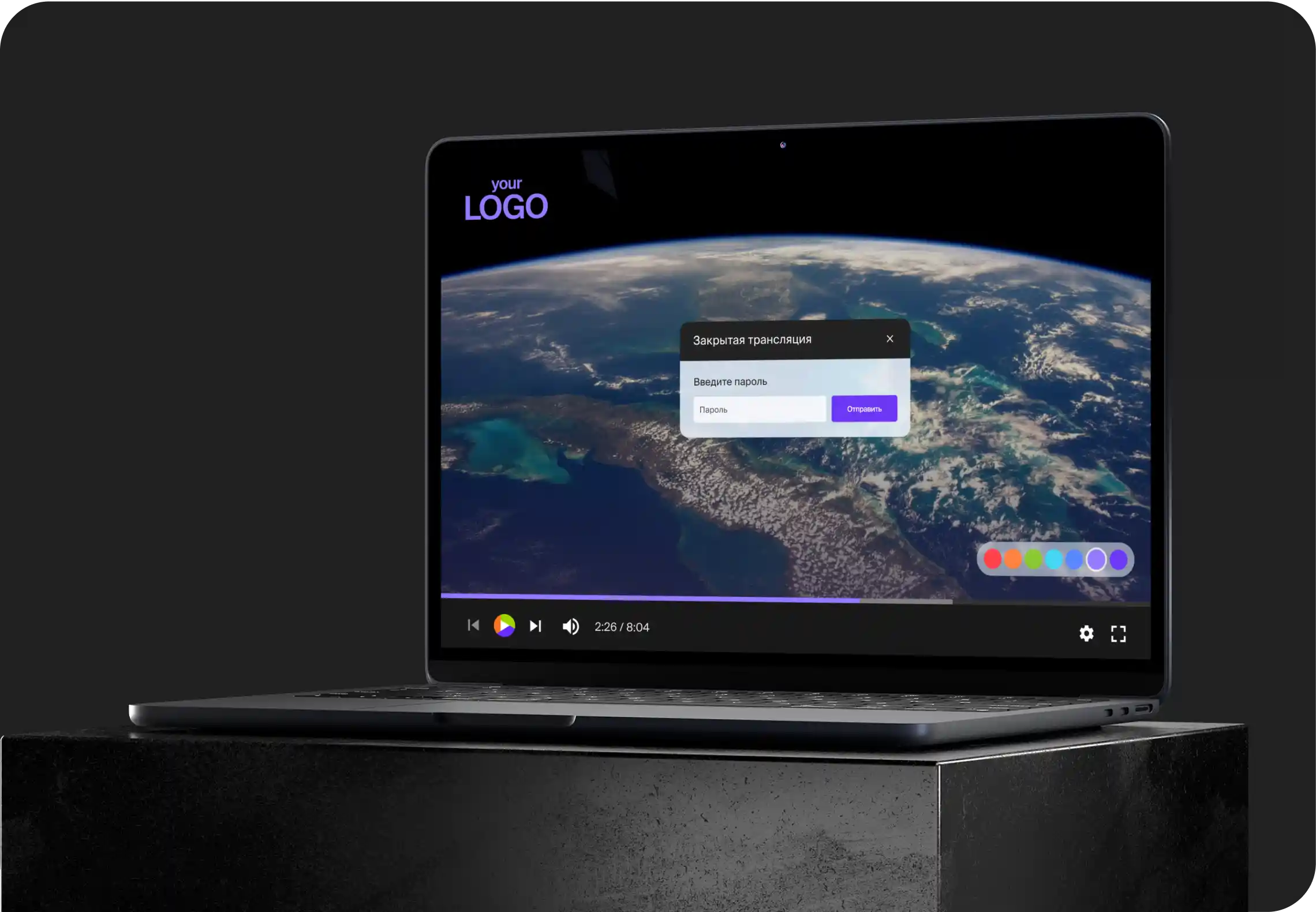
For easy publishing your videos, you can use the functional — pages.
This feature allows you to share a link to the page with the video player via email or social network, customize the appearance, download the original, leave a comment or rating.
To connect the pages, you need to activate and configure this option in the project settings.
Attention! This option is disabled by default.
Opportunities page for publication
- Setting the page title / slogan
- Download Logo
- Share in social network
- Likes
- Download original button
- Comments
- Connecting Google Analytics
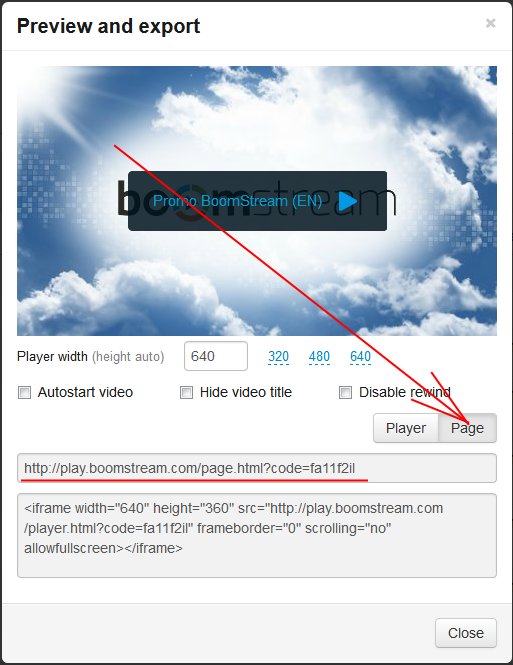
Example page: https://play.boomstream.com/page.html?code=fa11f2il
How to get a link to the page with a video