In the modern digital world, video content has become the backbone of communication, education, and marketing. The Boomstream platform offers a comprehensive solution for video hosting, conferencing, live streaming, and content monetization. In this article, we take a detailed look at the Boomstream API ecosystem, including the REST API, API Explorer, and the innovative MCP Server, which opens up new possibilities for integration with artificial intelligence.
What is Boomstream?
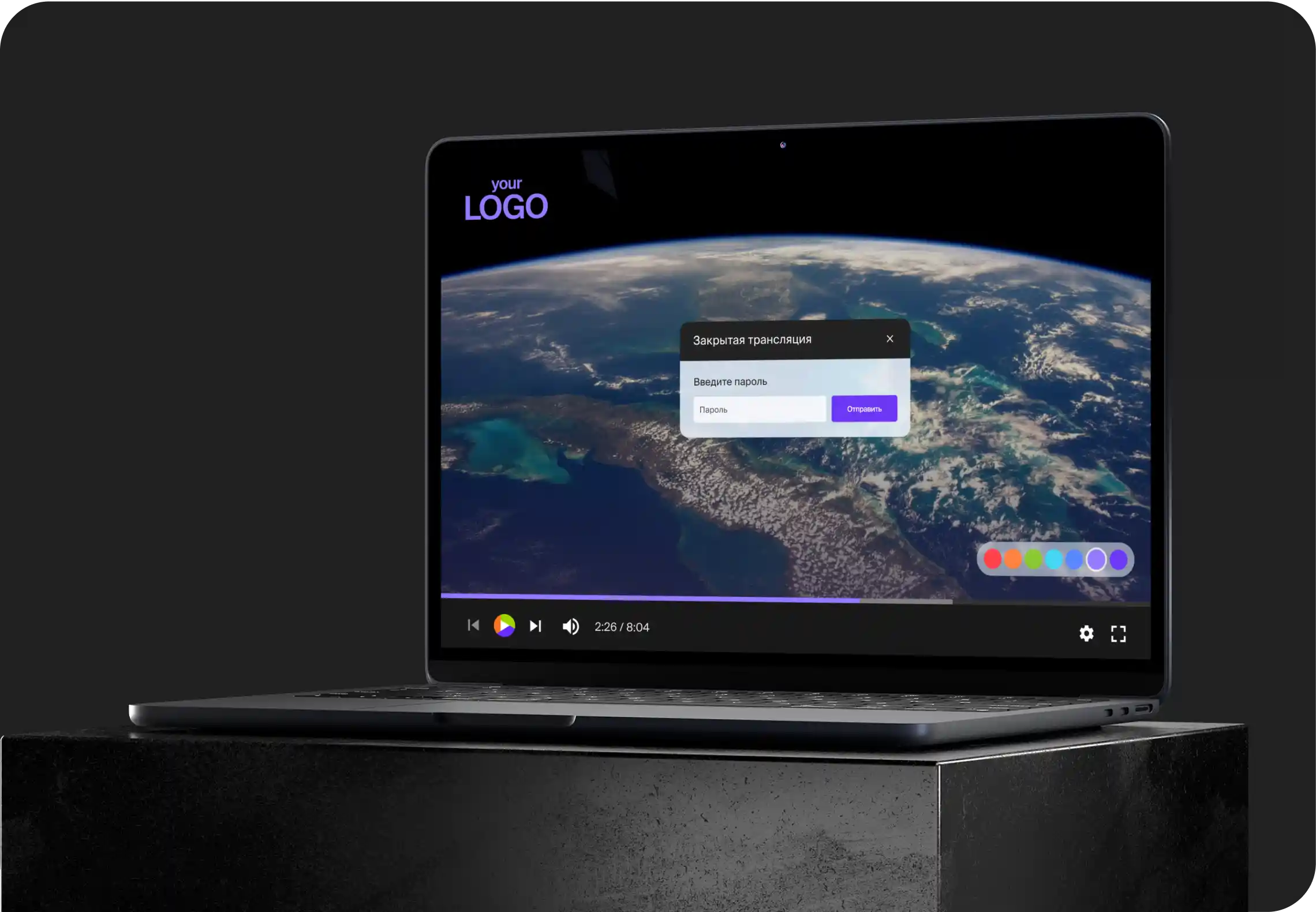
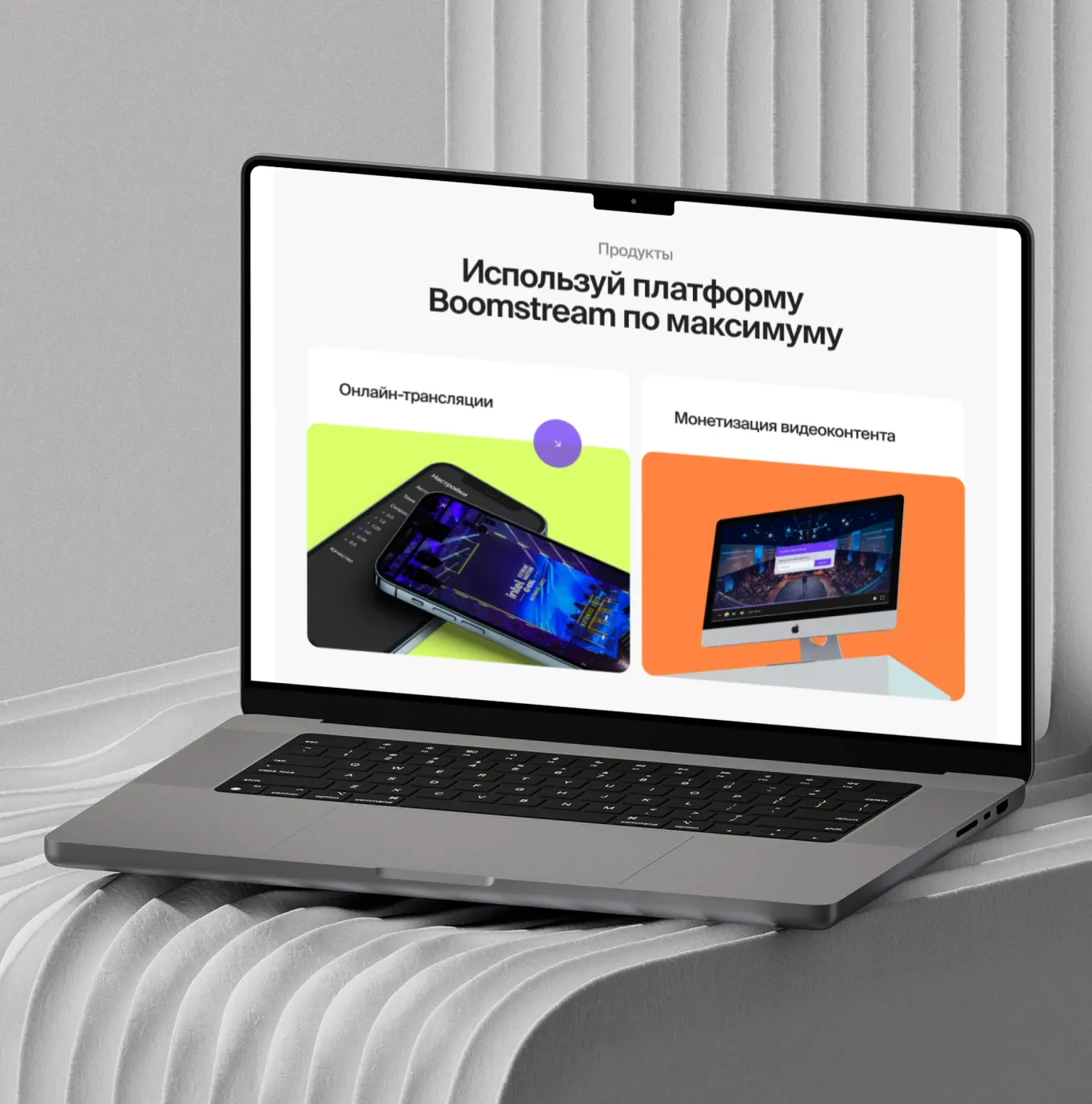
Boomstream is an online video platform that lets you upload, store, and stream video content, and monetize it by selling access to videos and live streams. The platform supports uploading video in any way: via browser, FTP, TUS, Google Drive, Vimeo, and API. Key capabilities include:
- Branded video player
- Comprehensive content protection
- In-player Pay-Per-View (PPV) payments
- Viewing statistics
- Integration with payment systems
For developers, Boomstream provides an API that allows full automation of managing video content, broadcasts, playlists, chats, and other aspects of the platform.
Boomstream REST API: full control over the video platform
Boomstream REST API v1.2 is the primary interface for programmatic interaction with the platform. The API lets you manage video hosting, live streams, PPV content, conferences, folders, playlists, statistics, chats, subtitles, timecodes, webhooks, and much more.
The REST API documentation is available at https://boomstream.com/documentation/api
Key features of the REST API
- Authentication is performed with an
apikey(found in the "Integration" section of your account settings). The key can be passed in two ways:- as an
apikeyparameter — in GET parameters or in the JSON request body; - via the
Authorization: Bearer <apikey>HTTP header. If theapikeyparameter is not provided, the key is taken from this header. An explicitly passedapikeyparameter takes precedence over the header.
- as an
- Data transfer formats:
- Parameters can be passed via either GET or POST;
- Alternatively — POST with the
Content-Type: application/jsonheader and parameters in the JSON body; - Response formats: JSON and XML (
format=jsonorformat=xml).
- Versioning: pass
ver=1.2to use the current API version with updated response formats. - Response status: every response contains a
Status: SuccessorFailedfield. On error, aMessagefield with a description is added.
Main API sections
The REST API covers all the key platform features:
| Section | Description |
|---|---|
| Media | Managing recorded videos (VOD): info, creation, upload |
| Live | Managing live streams: creation, control, scheduling |
| PPV | Pay-Per-View subscriptions: creation, list of buyers, access control |
| Conference | Video conferences: creation, management, participants |
| Playlist | Playlists: creation, update, reordering |
| Stats | Viewing statistics by project, target, or session |
| Chat | Chat settings and messages for broadcasts |
| Screenshot | Managing thumbnails and screenshots |
| Subtitles | Managing subtitles: enabling, uploading, setting default |
| Timecodes | Managing chapters and timecodes for video navigation |
| Webhook | Managing webhooks: list, create, update, delete |
| RecordLive | Managing live stream recording |
| Materials, Folders, Project | Managing materials, folders, and project settings |
API Explorer: interactive documentation for a quick start
Boomstream API Explorer is an interactive tool that lets developers explore and test API methods directly in the browser, without writing any code.
Benefits of API Explorer
- Quick introduction to the API — you can immediately see how various methods work, what parameters they accept, and what data they return.
- Testing without code — send real requests to the API and instantly get responses, which significantly speeds up development and debugging.
- Clear documentation — all methods are organized into sections, making it easy to navigate and find the functions you need.
- Lower entry barrier — even developers unfamiliar with the platform can quickly get up to speed and start integrating.
API Explorer is available at https://api.boomstream.com/ and serves as the starting point for integration with Boomstream.
MCP Server: Boomstream for the age of artificial intelligence
Boomstream MCP Server is an innovative solution implementing the Model Context Protocol (MCP) to integrate the Boomstream API with LLM agents. MCP is an open protocol designed to standardize interaction between AI applications and external tools and data sources.
What is an MCP Server?
An MCP Server is a server that gives AI agents (such as Claude Desktop, claude.ai, the VS Code MCP extension, and other compatible clients) access to tools and data through a standardized protocol. The Boomstream MCP Server turns all Boomstream API features into a set of tools that AI agents can call naturally.
Technical specifications
- Version: v0.7.1
- Number of tools: 105 tools covering 28 resource families
- Transports:
stdio— for Claude Desktop (local child process)SSE (Server-Sent Events)— for claude.ai and remote clients, hosted atmcp.boomstream.com
- Authentication: Authorization: Bearer (HTTP header)
Endpoints
| Path | Method | Authentication | Purpose |
|---|---|---|---|
/ |
GET | none | Landing page |
/sse |
GET | Bearer | SSE event stream + session setup |
/messages/?sessionId= |
POST | Bearer | JSON-RPC message channel |
/health |
GET | none | Health check — returns {"status":"ok"} |
Limits
- Per-IP: 120 requests/min, 20 concurrent connections
- Per-session: 120 requests/min (sustained), 40 burst → HTTP 429 + Retry-After
Session lifecycle
- Sessions are stored in memory on each pod
- Cross-pod routing via forwarding
- Idle timeout: 30 minutes
- The SSE stream is closed automatically after timeout
Architecture
- Phase A: shared apikey via Bearer
- Phase B (planned): per-user OAuth
Quick start with MCP Server
Via Claude Code CLI:
claude mcp add --transport sse boomstream https://mcp.boomstream.com/sse \
  --header "Authorization: Bearer <your-api-key>"
claude mcp list  # expect: boomstream ✓ Connected
Via Claude Desktop
Edit ~/Library/Application Support/Claude/claude_desktop_config.json:
{
  "mcpServers": {
    "boomstream": {
      "transport": "sse",
      "url": "https://mcp.boomstream.com/sse",
      "headers": {
        "Authorization": "Bearer <your-api-key>"
      }
    }
  }
}
Via MCP SDK (Node.js):
import { Client } from '@modelcontextprotocol/sdk/client/index.js'
import { SSEClientTransport } from '@modelcontextprotocol/sdk/client/sse.js'

const transport = new SSEClientTransport(
  new URL('https://mcp.boomstream.com/sse'),
  { requestInit: { headers: { Authorization: `Bearer ${apikey}` } } }
)
const client = new Client({ name: 'my-app', version: '0.1' }, { capabilities: {} })
await client.connect(transport)
NPM package: @boomstream/mcp
MCP Server tool catalog
The MCP Server provides 105 tools grouped by section:
| Section | Tools | Description |
|---|---|---|
| PPV | 13 | Pay-Per-View subscriptions |
| Live | 8 | Managing live streams |
| Media | 7 | Managing VOD content |
| CameraLive | 7 | IP cameras |
| Playlist | 7 | Playlists |
| Conference | 6 | Video conferences |
| Subtitles | 6 | Subtitles |
| Webhook | 6 | Webhooks |
| App | 5 | Project settings |
| RecordLive | 4 | Live stream recording |
| Screenshot | 4 | Screenshots and thumbnails |
| Timecodes | 4 | Timecodes |
| Stats | 3 | Statistics |
| Chat | 2 | Chat |
Example tools:
boomstream_media_infoboomstream_ppv_list_buyersboomstream_live_create
LLM agents call these tools, and the MCP Server translates them into HTTP requests to https://boomstream.com/api/, parses the responses, and returns structured JSON.
Business benefits of the MCP Server
- AI integration without writing code — AI agents can manage video content through natural language.
- Reduced complexity and cost — no need to develop your own AI integrations.
- Scalability and flexibility — the MCP Server provides standardized interaction.
- Access to real-time data — AI agents can query the API directly.
- A single point of control — all 105 tools are available through one MCP Server.
Use cases
For developers
- Integrating Boomstream with existing systems via the REST API
- Automating video upload and management
- Building custom solutions for working with content
- Developing AI agents to manage the video platform via the MCP Server
For business
- Building educational platforms with video content
- Hosting online conferences and webinars
- Monetizing video through PPV and subscriptions
- Analytics of views and viewer behavior
Conclusion
The Boomstream ecosystem offers developers and businesses a complete set of tools for working with video content:
- REST API — an interface for programmatic control of all aspects of the platform
- API Explorer — interactive documentation for quickly learning and testing the API
- MCP Server — a solution that unlocks integration with AI agents and LLMs
Get started today
- Explore the REST API: https://boomstream.com/documentation/api
- Try API Explorer: https://api.boomstream.com/
- Connect the MCP Server: https://mcp.boomstream.com/
- Install the NPM package:
npm install -g @boomstream/mcp